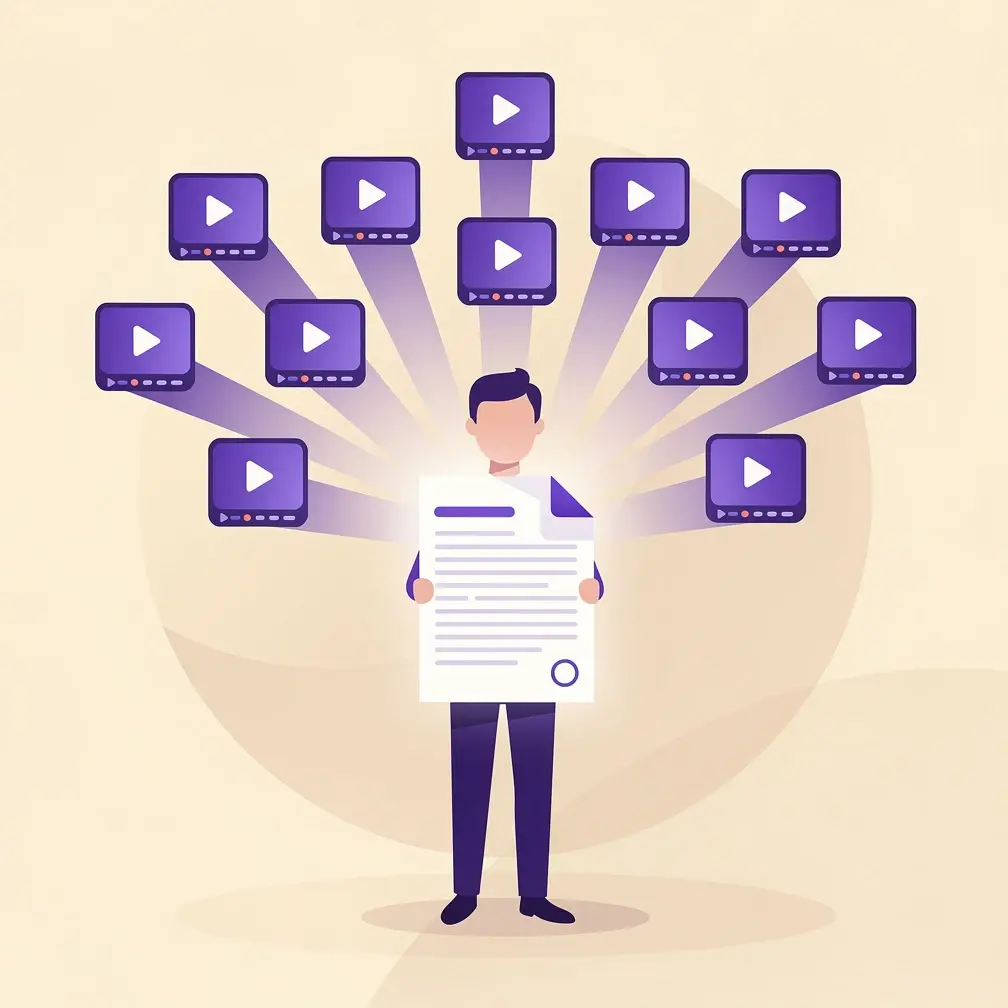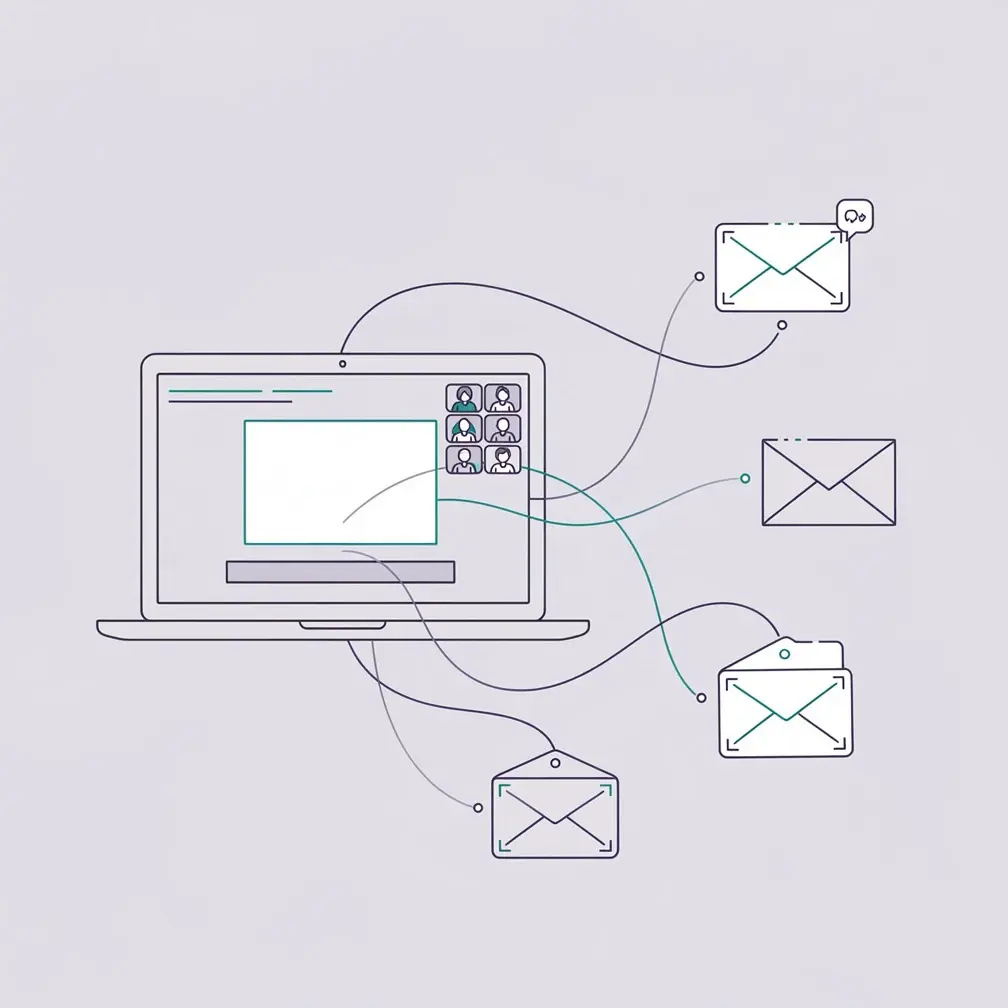
Webinars are one of the highest-converting formats in B2B sales. A webinar puts your brand in front of hundreds of warm prospects at once, collects opt-in contact data, and gives you 30-45 minutes to demonstrate expertise — something no cold email can match. But most sales teams leave serious revenue on the table after the event ends, sending a generic recording link instead of a personalized follow-up that actually converts attendees into pipeline.
Key Takeaways
- Webinars generate qualified leads because registration signals buying intent — attendees choose to spend time with you.
- The ideal sales webinar runs 30-45 minutes with a clear CTA, interactive polls, and time for Q&A.
- Generic post-webinar emails have low open rates — personalized video follow-ups see 2-3x more replies than text-only messages.
- AI tools now let you record one follow-up video and automatically personalize it with each attendee’s name and company, at scale.
- On-demand webinars extend the lead generation window indefinitely — track replay views as buyer intent signals for timely outreach.
What Are Webinars and Why Do They Work for Sales?
A webinar is a live or pre-recorded video presentation delivered over the internet to a registered audience. Unlike a standard video or blog post, webinars are interactive — attendees register in advance, attend in real time (or watch the replay), and can ask questions, respond to polls, and engage directly with the presenter. For B2B sales teams, that opt-in registration step is what makes webinars uniquely valuable as a lead generation tool.
When someone registers for your webinar, they are raising their hand and saying: “I have this problem, and I think you might be able to help.” That signal is worth far more than a cold click on an ad. According to ON24’s State of Digital Engagement research, webinars consistently rank as one of the top formats for driving qualified pipeline in B2B marketing — with engagement rates averaging 55% of registrants attending live.
Webinars work for a simple reason: attention is the scarcest resource in B2B sales. A 45-minute live session is 45 minutes of uninterrupted focus on your brand, your product, and your expertise. No other outbound channel comes close to that engagement window. Combine that with a follow-up sequence using personalized video, and you turn a one-to-many broadcast into a one-to-one conversation — at scale.
Live vs. On-Demand Webinars
Live webinars create urgency and allow real-time Q&A, which builds trust faster. On-demand webinars work as evergreen lead magnets — a recording gated behind a registration form generates leads 24/7 without any additional effort. Many B2B teams run both: a live event for top-of-funnel engagement, then an on-demand version to extend the lead generation window indefinitely.
How Webinars Generate Qualified Leads
Webinars generate qualified leads through five mechanisms: registration intent, global reach, expertise positioning, engagement scoring, and on-demand replay tracking. Each mechanism produces leads at a different funnel stage, which is why webinars consistently outperform single-channel tactics for pipeline generation.
1. Registration as an Intent Signal
Every registration collects at minimum an email address and name — often company, role, and self-reported pain point if you use a multi-field registration form. Registrants who also attend live are demonstrating even stronger intent. Sales teams can use webinar platform data to prioritize outreach: attendees who stayed for the full session and asked questions are your warmest leads.
2. Global Audience Without Travel Costs
An in-person sales event is geographically limited and expensive to run. A webinar has no such constraints. A SaaS company headquartered in Austin can run a webinar attended by prospects in London, Singapore, and São Paulo simultaneously. This is particularly valuable for teams pursuing enterprise deals in regions where they don’t have field sales coverage.
3. Thought Leadership That Builds Trust Before a Call
Your SDR cold-calling a VP of Sales has 30 seconds to earn trust. A webinar gives you 30-45 minutes to demonstrate exactly how you solve the problem they showed up to learn about. The Content Marketing Institute’s annual B2B Content Marketing report consistently shows that webinars and virtual events rank among the top formats for building brand credibility with enterprise buyers.
4. Lead Scoring from Behavioral Data
Modern webinar platforms track who attended, for how long, which poll questions they answered, and what questions they submitted. This behavioral data is gold for lead scoring. A registrant who attended 90% of the session, responded to three polls, and asked a product question is significantly warmer than one who registered and didn’t show up. Feed this data into your CRM to prioritize outreach accordingly.
5. On-Demand Replay as Evergreen Lead Gen
Once you’ve run a webinar, hosting the replay behind a registration form turns a one-time event into a passive lead generation asset. Every new replay view is a buyer intent signal — someone actively seeking out your content, at a time of their choosing. Track replay completions in your CRM so your sales team knows when to follow up.
Pro tip
Add a 2-3 question registration form to your on-demand replay landing page. Ask “What’s your biggest challenge with [topic]?” — the answers let you personalize your follow-up video to address each replay viewer’s specific pain point.
How to Structure a Sales Webinar That Converts
A high-converting sales webinar follows a clear three-part structure: a strong hook that frames the problem, a substantial educational section that builds credibility, and a clear CTA that tells attendees exactly what to do next. The biggest mistake teams make is spending too long on company background and too little time on actionable insight.
Ideal Length: 30-45 Minutes
Research on webinar engagement consistently shows drop-off accelerates after 45 minutes. Structure your webinar to fit within that window: 5 minutes for introductions and agenda, 25-30 minutes for core content, 10 minutes for Q&A. Keep your intro brief — attendees signed up for the content, not the bio.
The Webinar Agenda That Keeps Attendees Engaged
Start with a data point or provocative question that frames the problem (the hook). Move into your main content: 3-5 key ideas, illustrated with examples and data. Include at least one live poll mid-session — it resets attention and gives you data on where your audience is. End with a specific CTA: a free trial, a demo request, or a downloadable resource.
Promotion Strategy: Start 2 Weeks Out
Send the first registration invite 10-14 days before the event. Follow with a reminder 3 days out, and a day-of email. For existing prospects, have your SDRs follow up the email invite with a personalized video email — research shows AI-personalized videos get 50% higher click-through rates than text-only. Use LinkedIn, email, and paid social for broader reach.
Camera Presence and Production Quality
You don’t need a broadcast studio. Good lighting, a clean background, and a quality microphone are enough. What matters most is energy — a presenter who is visibly engaged keeps an audience far better than a polished but flat delivery. Turn your webcam on and stay present. Attendees who can see your face build trust faster.
Record Once, Personalize at Scale
Stop recording the same video over and over. Sendspark uses AI to personalize your videos with each prospect's name and website — automatically. Sales teams see 2-3x more replies.
Get Started NowHow to Follow Up After a Webinar with Personalized Video
The follow-up window after a webinar is your highest-leverage moment in the sales cycle. Attendees are warm — they just spent 30-45 minutes learning from you. Most sales teams waste this moment with a generic “Thanks for attending” email that gets buried in the inbox. The teams winning more deals are replacing that email with an AI-powered personalized video follow-up sequence that makes each attendee feel like you recorded it just for them.
Why Generic Post-Webinar Emails Fail
A standard post-webinar email blast goes to every registrant — attended or not — with the same recording link and the same body copy. The average B2B buyer receives dozens of marketing emails per day. A generic message with no personalization doesn’t give them a reason to open it, let alone reply. Attendance data shows the average post-webinar email gets below a 20% open rate when sent to an unfiltered list.
The AI Personalized Video Follow-Up Approach
Rather than sending a text email, record one 60-90 second follow-up video and use Sendspark’s AI video personalization to automatically customize it for each recipient. The AI clones your voice to say each person’s name in the intro, and the video background dynamically shows their company’s website as you speak. Each attendee receives a video that looks and sounds like you recorded it specifically for them — even if you had 500 attendees.
Sales teams using personalized video in post-webinar follow-ups report 2-3x more replies compared to standard text email sequences. That’s because the video feels personal. The prospect sees their own company’s website in the background, hears their name in your voice, and immediately understands this isn’t a mass broadcast.
The 3-Touch Video Nurture Sequence
The most effective post-webinar async video nurture sequence runs three touchpoints over seven days:
- Day 1 (within 2 hours of webinar end): Send your AI-personalized thank-you video with a link to the recording and one specific CTA (book a demo, download the resource, start a trial).
- Day 3: Send a short follow-up video referencing a specific section of the webinar or a question they asked in the Q&A. Personalized video emails referencing prior interactions see the highest reply rates.
- Day 7: A final “warm lead sequence” touchpoint — offer additional resources, a case study relevant to their industry, or a direct meeting invite.
Segmenting Your Follow-Up by Engagement Level
Not all webinar attendees are equal. Segment your follow-up by engagement level to prioritize SDR time:
- Highly engaged (attended 80%+ of session, asked questions): SDR follow-up call + personalized video. These are your hottest leads — treat them like warm inbound.
- Attended (25-80%): Automated personalized video sequence. Track video engagement analytics — if they watch the full follow-up video, escalate to SDR outreach.
- Registered but did not attend: Send the recording link and a separate short video asking if they’d like a personal walkthrough. These contacts still opted in, so they’re warmer than cold outreach.
Tracking Post-Webinar Conversion Funnel Metrics
Track your full post-webinar conversion funnel: registration to attendance rate, attendance to video view rate, video view to CTA click rate, CTA click to booked meeting, booked meeting to opportunity. Each metric tells you where to optimize. If your video view-to-click rate is low, your CTA is too weak. If attendance-to-video is low, your follow-up is arriving too late.
Common mistake
Waiting 24 hours to send your post-webinar follow-up. Research shows email open rates drop significantly after the first 4 hours post-event. Send your personalized video within 2 hours while your session is still fresh in the attendee’s mind.
Webinar Strategy Comparison: What Actually Works
Not every webinar format delivers equal results for B2B sales teams. The right approach depends on your funnel stage, audience size, and follow-up capacity. The table below summarizes the key tradeoffs between the three main webinar formats — live, on-demand, and hybrid — to help you decide where to invest first.
| Format | Best For | Lead Quality | Ongoing Effort | Follow-Up Priority |
|---|---|---|---|---|
| Live webinar | Product launches, thought leadership, Q&A | High (attendees self-select) | High (prep, hosting, follow-up) | Same-day video outreach |
| On-demand webinar | Evergreen lead gen, nurture content | Medium (replay intent signal) | Low (set once, runs itself) | Triggered video when 80%+ viewed |
| Hybrid webinar | Maximizing reach and longevity | High live + medium on-demand | Medium (one production, two uses) | Segment by engagement tier |
Key Metrics to Track
The Salesforce State of Sales research identifies activity-to-pipeline ratio as the primary indicator of sales efficiency. For webinars, track these four metrics to connect activity to revenue:
- Registration-to-attendance rate: Industry benchmark is 40-60%. Below 40% means your promotion or topic needs work.
- Attendee-to-opportunity rate: How many attendees become qualified pipeline. Top performers hit 5-10%.
- Post-webinar video engagement rate: What percentage of follow-up video recipients watch 75%+. Above 30% means your personalization is working.
- Webinar-sourced revenue: Tag opportunities by source in your CRM so you can prove webinar ROI over time.
Common Mistakes That Kill Webinar ROI
The three mistakes that most often kill webinar ROI are: no clear CTA at the end of the session, follow-up that goes out 48+ hours after the event, and failing to segment attendees from non-attendees in the follow-up sequence. Treat your webinar attendees as warm inbound leads — they’ve already given you their time. A sales prospecting sequence that ignores that warm signal is wasted effort.
Sources & References
- ON24 — State of Digital Engagement Research — Webinar engagement rates and pipeline contribution data
- Content Marketing Institute — B2B Content Marketing Report — Webinar effectiveness and buyer credibility data
- Salesforce — State of Sales Report — Activity-to-pipeline metrics and B2B engagement benchmarks
- Demand Gen Report — B2B Demand Generation Research — Webinar lead generation and post-event nurturing data
Frequently Asked Questions
What are webinars and how do they work for B2B sales?
Webinars are live or recorded video presentations delivered over the internet to a registered audience. For B2B sales, they work by requiring attendees to register with their contact information, creating a pool of opted-in leads who have shown active interest in your topic. The combination of registration intent, real-time engagement, and post-event follow-up makes webinars one of the highest-converting formats for B2B lead generation.
How do webinars generate leads for B2B sales teams?
Webinars generate leads through registration forms that collect contact data, behavioral engagement signals (attendance duration, poll responses, Q&A participation), and on-demand replay tracking. Every registrant is a warm lead who opted in. Sales teams can score and prioritize these leads by engagement level — attendees who stayed for the full session and asked questions are treated as high-intent prospects for immediate outreach.
What is the ideal length for a sales webinar?
The ideal sales webinar runs 30-45 minutes. Structure it as 5 minutes of intro and agenda, 25-30 minutes of core educational content with interactive elements, and 10 minutes of Q&A. Engagement data consistently shows drop-off accelerates after 45 minutes. Keep your introduction brief — attendees registered for the content, not the company history.
How do you follow up with webinar attendees to maximize conversion?
Send a personalized follow-up within 2 hours of the webinar ending while your session is still fresh. The most effective approach is an AI-powered personalized video that addresses each attendee by name and references their specific context — tools like Sendspark allow you to record one follow-up video and automatically personalize it for hundreds of attendees using AI voice cloning and dynamic video personalization. Follow up with two additional touchpoints over the next 7 days, segmented by engagement level.
Should you use live or on-demand webinars for sales?
Use both. Live webinars create urgency, enable real-time Q&A, and produce your warmest leads. On-demand webinars act as evergreen lead generation assets — once created, a gated replay generates new registrations and buyer intent signals continuously without additional effort. Most successful B2B sales teams run a live event for launch impact, then convert it to on-demand to extend the lead generation window.
How do you make webinars more interactive and engaging?
Include at least one poll question mid-session, invite questions throughout (not just at the end), and have a co-host or moderator monitor the chat to call out good questions in real time. Use slides with clean visuals rather than dense text. Keep your camera on and maintain high energy — visible enthusiasm keeps attendees present. End with a clear, specific CTA so every attendee knows exactly what to do next.
How many registrants should a B2B sales webinar aim for?
More important than registrant count is the quality of your audience. A webinar with 50 highly qualified registrants from your ideal customer profile will outperform one with 500 generic attendees. That said, most B2B webinars see attendance rates of 40-60% of registrants, so plan your promotion to over-register by at least 2x your target attendance number. Segment your follow-up for attendees, no-shows, and replay viewers separately to maximize conversion from each group.
Record Once, Personalize at Scale
Stop recording the same video over and over. Sendspark uses AI to personalize your videos with each prospect's name and website — automatically. Sales teams see 2-3x more replies.
Get Started NowTopics: Guest Post