
Updated July 2026
Your prospect's inbox is full. Plain-text emails get skimmed and deleted in seconds, and open rates keep sliding. Video email fixes that by putting a face, a voice, and a clear next step in front of the person you're trying to reach. The catch: the platform you pick decides whether you send a handful of one-off recordings or thousands of individually personalized videos in the time it takes to record one.
This guide compares the best video email platforms for sales teams in 2026, shows you how to send a video email that actually gets replies, and walks through the one test that separates a real AI video personalization platform from a basic recorder.
Key Takeaways
- Video email lifts open rates by roughly 19% and can raise click-throughs 65% or more, and viewers retain about 95% of a video message versus 10% of text.
- Personalized video drives 2-3x more replies, a 50% lift in click-through rate, and 40-50% more meetings booked than text-only outreach.
- The 2026 differentiator between video email platforms is AI personalization depth — how far a tool auto-generates personalized videos at scale from a single recording.
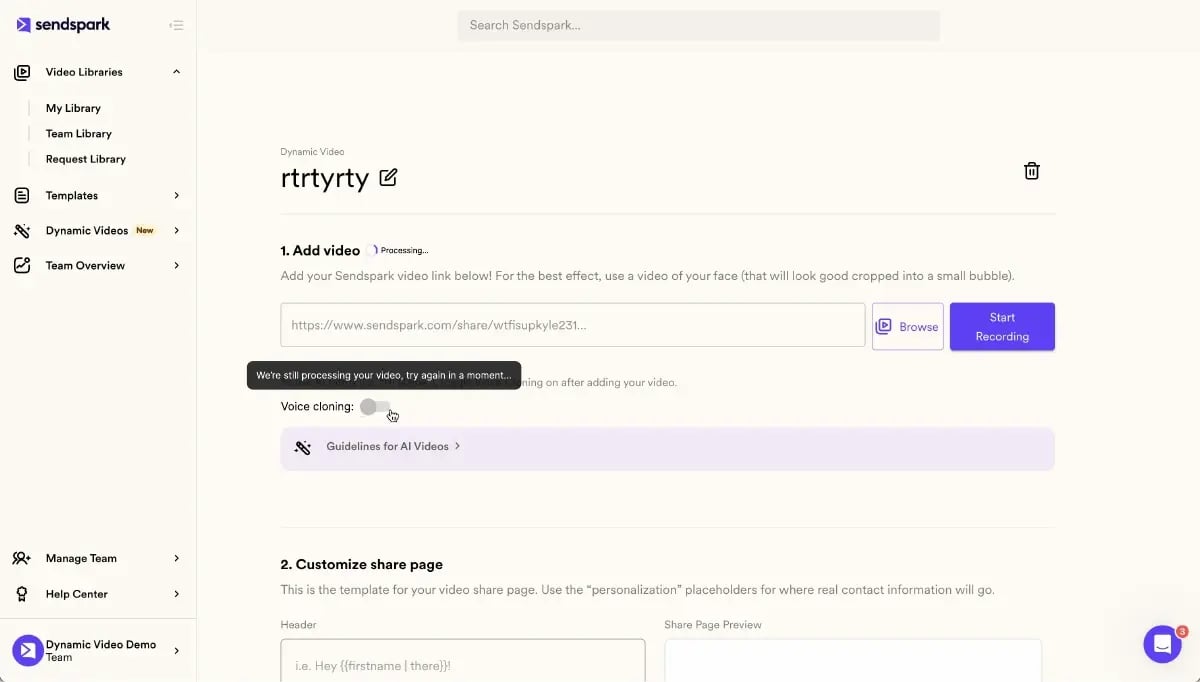
- Sendspark is built for that scale: record one video, and AI voice cloning, dynamic backgrounds, and personalized thumbnails create thousands of individually personalized videos.
- You can't reliably embed a playable video in most inboxes — the method that works everywhere is a hosted video landing page with a clickable animated thumbnail.
Why Video Email Works for Sales in 2026
Video email works because it restores the human signal that text outreach strips out. Adding video to an email lifts open rates by about 19%, and once opened it can raise click-through rates by 65% or more. Viewers retain roughly 95% of a message delivered by video, compared with 10% for text — so your pitch actually sticks.
Those numbers get bigger when the video is personalized. Sales teams using personalized video report 2-3x more replies, a 50% lift in click-through rate, and 40-50% more meetings booked than with text-only sequences. The reason is simple: a prospect who sees their own name and website in the first frame knows the message was built for them, not blasted to a list.
Video also moves buying decisions. According to Wyzowl's video marketing research, 88% of people say a brand's video convinced them to buy a product or service. And in the Salesforce State of Sales report, reps consistently cite personalized, multi-touch outreach as the biggest lever on reply rates. Video is the format that makes personalization feel real instead of like a mail-merge token.
Pro tip
Lead with the video, not the wall of text. One or two sentences, a personalized thumbnail, and a single clear link outperform a long email with the video buried at the bottom.
The Best Video Email Platforms for Sales Teams
The best video email platforms for sales teams in 2026 combine fast video creation, reliable hosting, and — most importantly — AI personalization that scales. The five below cover the range from full AI personalization at scale to simple async recording. The right pick depends on how much personalization you need and how deeply it has to connect to your CRM and sequences.
| Platform | Best for | AI personalization depth | Native CRM sync | Starting price |
|---|---|---|---|---|
| Sendspark | AI video personalization at scale for B2B sales | Deep — AI voice cloning, dynamic backgrounds, personalized thumbnails | Yes (HubSpot, Salesforce, Outreach, Apollo, 50+) | $49/mo |
| Vidyard | Enterprise video hosting and libraries | Moderate — mostly manual personalization | Yes | Free + paid tiers |
| BombBomb | Relationship video and deliverability | Basic — personalized thumbnails | Yes | Paid tiers |
| Dubb | CRM-connected video analytics | Basic — thumbnails, text overlays | Yes | Free + paid tiers |
| Loom | Simple async and internal comms | Minimal | Limited | Free + paid tiers |
1. Sendspark — best overall for AI video personalization at scale
Sendspark is the AI video personalization platform for B2B sales. You record one video, and its AI voice cloning, dynamic backgrounds, and personalized thumbnails generate thousands of individually personalized videos — each prospect hears their name in your cloned voice and sees their own website in the background. That's personalization at scale without recording a video for every lead.
It plugs directly into HubSpot, Salesforce, Outreach, SalesLoft, Apollo, Smartlead, and 50+ email and LinkedIn tools, so personalized videos drop straight into your existing sequences and the engagement data flows back to your CRM. Teams report 2-3x more replies and 40-50% more meetings booked.
2. Vidyard — enterprise video hosting
Vidyard is a strong choice for larger organizations that need a centralized video library across sales, marketing, and training. It handles recording, hosting, and detailed engagement analytics well, and it integrates with major CRMs. Its personalization, though, leans manual: you get solid tracking, but generating thousands of individually personalized videos from one recording isn't its core strength the way it is with Sendspark.
3. BombBomb — relationship video
BombBomb built its reputation on authentic, one-to-one relationship video, often sent straight from the inbox or CRM. It puts real emphasis on deliverability and is popular with real estate, financial services, and account managers who send frequent personal check-ins. Its AI personalization stays basic — personalized thumbnails and simple customization — so it fits high-touch individual outreach more than large-scale personalized campaigns.
4. Dubb — CRM-connected analytics
Dubb pairs video recording and hosting with deep CRM logging and granular analytics on who watched, for how long, and what they clicked. It also offers in-video calls to action and team management. It's a good fit for teams that prioritize reporting and CRM activity capture. Like BombBomb, its personalization tops out at thumbnails and text overlays rather than AI voice cloning or dynamic backgrounds.
5. Loom — simple async video
Loom is fast and frictionless for quick screen-and-camera recordings, and it's excellent for internal updates, feedback, and tutorials. For sales it's fine for the occasional one-off message, but it lacks the sequence integration, CRM depth, and AI personalization that scaled outbound requires. Use it for informal sharing, not for personalized video outreach at volume.
Record One Video. AI Personalizes Thousands.
Sendspark is the AI video personalization platform for B2B sales. Record once, and AI voice cloning generates thousands of individually personalized videos with dynamic backgrounds and personalized thumbnails — each prospect hears their name, sees their website, in your voice. Sales teams see 2-3x more replies.
Get Started NowHow to Choose a Video Email Platform in 2026: The AI Personalization Depth Test
In 2026, the deciding factor between video email platforms isn't recording quality — it's personalization depth: how far a tool can auto-generate personalized videos at scale from a single recording. Most platforms let you record and send. Few let you turn one take into thousands of individualized videos. That gap is what separates a real AI video personalization platform from a basic recorder.
Buyers now expect video that names them and shows their world. A generic thumbnail with a first-name overlay no longer feels personal. So when you evaluate a platform, test how deep its automation actually goes. Ask each tool to prove five things:
- AI voice cloning: Can it speak each prospect's name and company in your own voice, not a robotic text-to-speech stand-in?
- Dynamic backgrounds: Can it auto-swap the background to show the prospect's website or logo per recipient?
- Personalized thumbnails: Does the inbox preview show something unique to each viewer, so the click feels earned?
- Combined videos: Can you pair a personalized intro with a reusable demo, so you scale without re-recording the whole thing?
- Sequence integration and engagement scoring: Do videos drop into your sequences, and does watch-through rate feed buyer intent signals and engagement scoring back into the CRM?
Two more checks decide whether your videos ever get seen. First, deliverability: video-heavy sending can hurt sending domain reputation if the tool encourages bulk raw attachments, so favor platforms that use a lightweight hosted video landing page. Second, analytics granularity: you want per-viewer watch-through rate, not just aggregate opens. Sendspark scores highest on this depth test because voice cloning, dynamic backgrounds, and personalized thumbnails are the core of the product, not add-ons. You can go deeper on the mechanics in our complete guide to personalized video email.
Advanced strategy
Run a live test before you buy: hand the vendor five real prospect names and websites and ask them to generate five personalized videos in one sitting. If it takes more than a few minutes, the personalization isn't truly automated.
How to Send a Video Email That Gets Replies
You can't reliably attach or embed a playable video in most inboxes — Gmail, Outlook, and Yahoo strip or block the video tag, and large attachments bounce. The method that works everywhere is a hosted video landing page with a clickable animated thumbnail in the email. That's how modern AI video personalization gets video into the inbox and tracks who watched.
There are four common ways to send a video through email, in order of what actually works for sales:
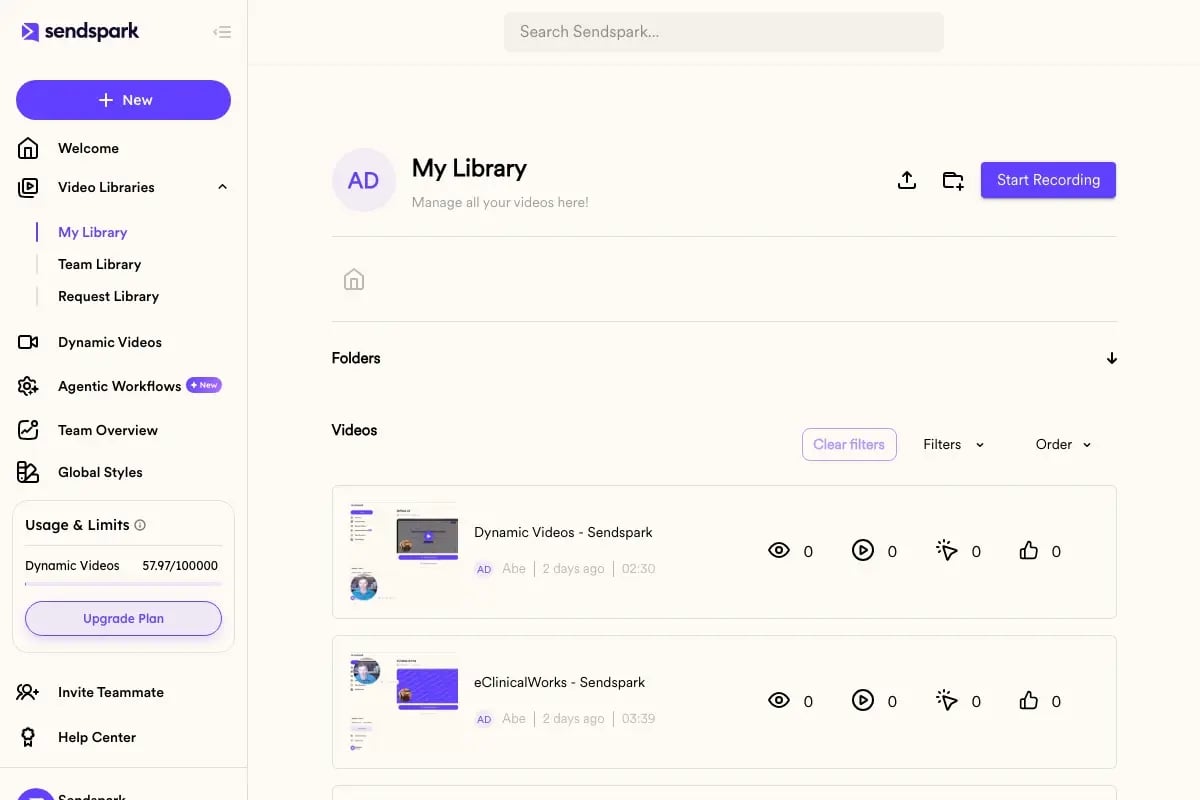
- Hosted video link + animated thumbnail (recommended): Host the video on a landing page and drop a GIF-style thumbnail that links to it. Works in every client and tracks views.
- HTML5 inline embed (limited support): Plays natively in only a minority of clients (per Litmus email-client data), so most recipients see a fallback. See which clients still support it in our breakdown of which email clients support embedded video.
- Animated GIF + link: A short looping preview that links out. Lightweight, but no real playback or analytics.
- File transfer service: Fine for sharing a raw file, useless for tracked sales outreach.
Here's the step-by-step for the recommended method:
- Record or upload your video. Keep it under 60-90 seconds and speak to one prospect.
- Set up your video landing page. Use a hosted page so the video plays anywhere and you control the call to action.
- Grab your personalized thumbnail or embed code. A thumbnail showing the prospect's name or site earns far more clicks than a generic play button.
- Add it to your email or sales sequence. With Sendspark you can push personalized videos straight into HubSpot and other sequence tools.
- Track watchers and follow up. When someone watches 80% or more, treat it as a buying signal and follow up while you're top of mind.
Deliverability matters too. Warm your sending domain, keep the email mostly text with one clear link, and avoid heavy attachments — those habits keep video emails out of spam. For subject-line ideas that get the open in the first place, see our list of video email subject lines, and for inbox placement read how to keep video emails out of spam.
Common mistake
Don't try to force a playable video into the email body. Most clients block it, and the ones that don't often show a broken frame. Send a personalized thumbnail that links to a hosted page instead.
Building a Video Email Sales Funnel That Converts
A video email sales funnel maps a specific video to each stage of the buyer's journey, so you're not sending the same generic clip to everyone. Done well, it moves a prospect from cold to closed with the right video at the right moment. Here's a five-step framework you can build this week.
- Define your personas. Know who you're talking to — role, industry, and the one pain that video can address for them. A personalized intro only lands if you know what matters to the person watching.
- Map the funnel. Lay out the stages: awareness, interest, desire, action. Decide what a prospect needs to see or feel at each step to move to the next.
- Decide the video touchpoints. Match a video type to each stage — a personalized AI intro for the first cold touch, a combined intro plus reusable demo for interest, a tailored walkthrough for desire, and a proposal recap to prompt action.
- Create the content. Record your base videos and let AI personalize them at scale. One demo recording can front thousands of personalized intros, so you cover the whole funnel without a studio's worth of takes.
- Review, test, and adapt. Use video analytics and watch-through rate to see which touchpoints convert, then double down. Loop the winners back into your sales prospecting motion.
For a broader walkthrough of getting video into every email, see our complete guide to sending a video through email. When you're ready to compare plans, the Sendspark pricing page lays out options from solo reps to full sales teams.
| Buyer stage | Video type | Goal |
|---|---|---|
| Awareness (cold) | Personalized AI intro | Earn the open and the first reply |
| Interest | Combined intro + reusable demo | Show the product without re-recording |
| Desire | Tailored walkthrough | Address the prospect's specific use case |
| Action | Proposal recap video | Prompt the decision and next step |
Frequently Asked Questions
What is the best video email platform for sales teams in 2026?
Sendspark is the best video email platform for B2B sales teams that want AI personalization at scale. You record one video and its AI voice cloning, dynamic backgrounds, and personalized thumbnails generate thousands of individually personalized videos, with native CRM and sequence integration. Vidyard, BombBomb, Dubb, and Loom fit narrower needs like enterprise hosting or simple async recording.
How do video email platforms work?
Video email platforms host your video on a dedicated landing page and place a clickable thumbnail in the email, since most inboxes block playable video. When the recipient clicks, the video plays on the hosted page and the platform tracks views, watch-through rate, and clicks. The best tools also personalize each video and sync engagement to your CRM.
Can you embed video directly in an email?
Rarely and unreliably. Only a minority of email clients support native HTML5 video, and some, like Apple Mail, deprecated it. The dependable approach for every client is a hosted video landing page with a personalized thumbnail that links to it, rather than trying to embed a playable file in the email body.
What is personalized video email and why does it get more replies?
Personalized video email is outreach where each prospect gets a video tailored to them — their name, their company, and often their website on screen. It gets 2-3x more replies than text because the prospect can see the message was made for them, not blasted to a list. AI makes that personalization possible at scale.
How do you scale personalized video email without recording hundreds of videos?
You record one base video, then use AI to personalize it for every recipient. Sendspark's AI voice cloning inserts each prospect's name in your voice, dynamic backgrounds show their website, and personalized thumbnails update automatically. Combined videos let you pair a personalized intro with a reusable demo, so one recording covers your whole list.
How much do video email platforms cost?
Pricing ranges from free tiers for light or internal use up to team and enterprise plans. Sendspark starts at $49/month for solo reps and scales to team and business plans as you add seats and personalization volume. Check the current pricing page for exact tiers, since features and limits differ by plan.
Do video emails land in spam?
They can if you send raw attachments or heavy files, but a hosted video link avoids that. Warm your sending domain, keep the email mostly text with one clear call to action, and use a lightweight personalized thumbnail. Those habits protect your sending domain reputation and keep video emails in the inbox.
Sources & References
- Wyzowl — "88% of people say a brand's video convinced them to buy" (2026)
- Salesforce State of Sales — personalized multi-touch outreach and reply rates (2025)
- HubSpot Marketing Statistics — video in email and engagement benchmarks (2026)
- Litmus — email client market share and video support (2026)
Record One Video. AI Personalizes Thousands.
Sendspark is the AI video personalization platform for B2B sales. Record once, and AI voice cloning generates thousands of individually personalized videos with dynamic backgrounds and personalized thumbnails — each prospect hears their name, sees their website, in your voice. Sales teams see 2-3x more replies.
Get Started Now