Updated September 2026
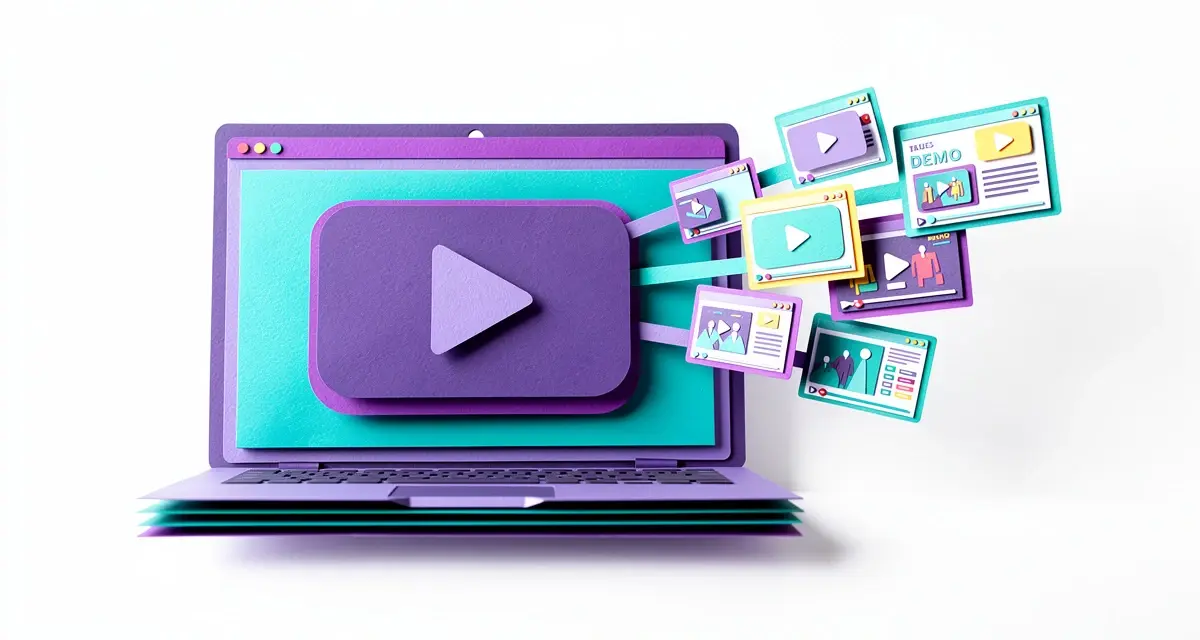
The best product demo videos don’t just show a feature list. They pick one moment where your product solves a real, specific problem and let the viewer watch it happen in under two minutes. Below are 7 demo videos worth studying in 2026, why each one works, and the shift toward AI-personalized and interactive demo formats that’s already changing how B2B teams build them.
Key Takeaways
- Interactive demos that let viewers click through a product themselves drive 32% higher conversion rates than traditional static or live-only demos, according to Walnut’s platform data.
- The strongest demo videos in this list run 45 seconds to 3 minutes and open with the payoff, not a company introduction.
- By 2026, teams increasingly record one demo and generate an AI-personalized, account-specific version for each prospect instead of sending the same static video to everyone.
- Sendspark’s AI voice cloning and dynamic backgrounds let sales teams record a single demo once and personalize the intro for thousands of prospects without re-recording.
What Makes a Product Demo Video Actually Convert?
A product demo video converts when it shows one clear use case solving a specific, recognizable problem within the first 15 seconds, instead of opening with a logo animation or company history. Even a strong demo loses viewers fast once it buries the payoff under a slow intro.
The examples below share three traits: they open with the outcome, they compress the “how it works” explanation into visuals instead of narration, and they end with a single, obvious next step. None of them try to cover every feature. Each one picks a narrow slice of the product and makes that slice unforgettable.
Pro tip
Before you script a full demo video, watch your own product’s onboarding flow as if you were a first-time user. The moment where you’d say “oh, that’s cool” out loud is almost always the moment your demo video should open on.
7 Product Demo Video Examples Worth Studying in 2026
These seven demo videos come from companies outside the video-personalization space, chosen because each solves the “show, don’t tell” problem differently: through polish, data, brevity, humor, or sheer product simplicity. Study the structure, not just the visuals.
1. Apple’s iPhone SE: Wow Your Audience
Apple’s product demo videos lean entirely on visual craft. Every cut is deliberate, every camera move has a reason, and the copy is sparse enough that the product does the talking. Apple has the budget most teams don’t, but the lesson transfers: cut anything that isn’t advancing the story, even if it’s a feature you’re proud of.
2. Duolingo: Back Your Claims With Data
Duolingo skips flashy graphics and instead shows the product working in real time, backed by specific numbers about learning outcomes. It’s proof that a demo doesn’t need a big production budget if it has one credible, specific claim and shows the receipt for it on screen.
3. Slack: Keep It Short and Sweet
Slack’s demo videos routinely run under a minute. Viewers lose patience fast: 2026 benchmark data puts the sweet spot for a marketing-facing demo at 2-3 minutes, and notes that videos between 2 and 5 minutes still hold about 50% of viewers. Slack’s approach of explaining one workflow, quickly, and getting out is a direct answer to that drop-off curve.
4. Notion: Let the Product Tour Itself
Notion’s demo content often mimics an interactive walkthrough even in static video form, panning across a real workspace instead of a staged mockup. It works because it never pretends the product is simpler than it is; it just makes the complexity feel navigable.
5. HubSpot: Tie the Feature to the Business Outcome
HubSpot’s product demos consistently connect a feature (a workflow, a report, an automation) to a plain-English business result: more replies, fewer manual steps, faster follow-up. For B2B software specifically, this outcome-first framing tends to outperform a feature tour, because the buyer watching is usually evaluating ROI, not curiosity.
6. Canva: Make the Demo Feel Like Play
Canva’s demo videos lean into the fact that their product is genuinely fun to use, letting drag-and-drop interactions and instant visual payoff carry the video with almost no narration. It’s a reminder that if your product has a moment of delight, your demo video’s job is to get out of its way.
7. Asana: Show the Before and After
Asana’s demo videos frequently open on the chaos of scattered spreadsheets and email threads before cutting to the same work organized inside the product. The before/after structure gives viewers an immediate, visceral reason to keep watching, which matters more than any individual feature callout.
Bonus: What Changes When the Demo Is Personalized Per Prospect
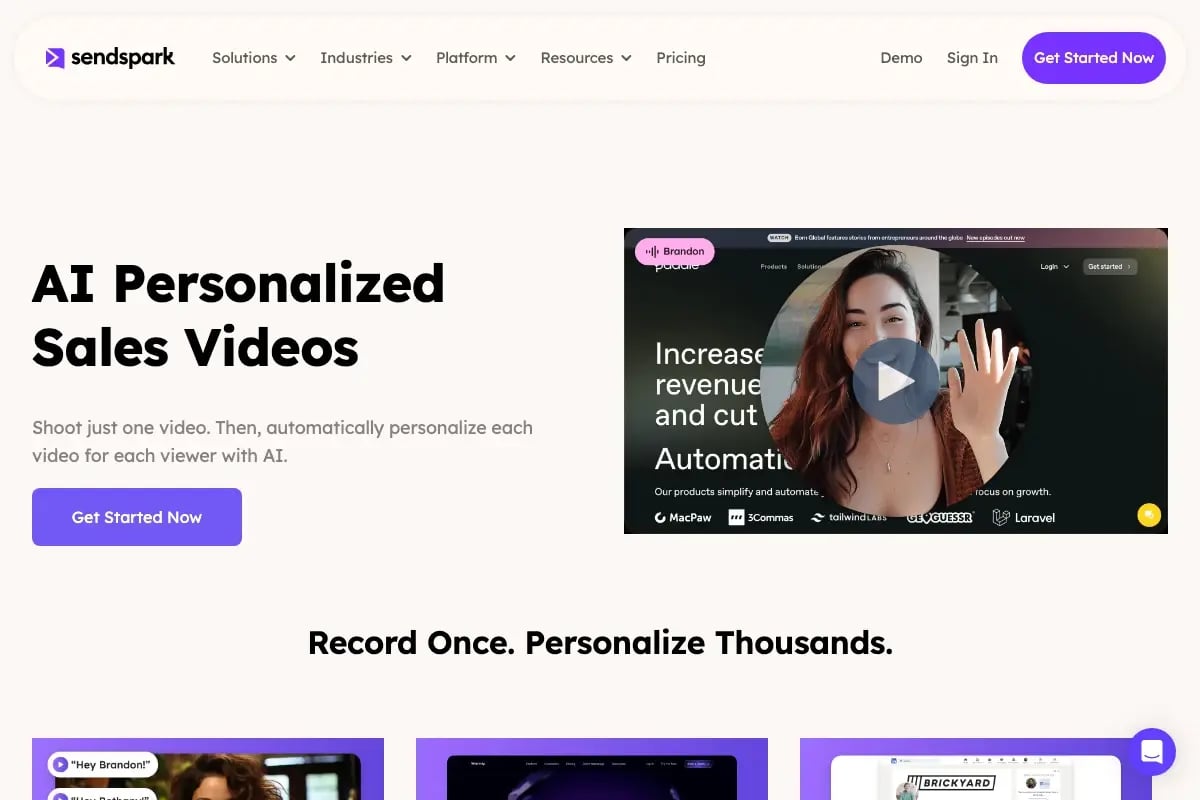
Every example above is a single, static video watched the same way by every viewer. Increasingly, B2B teams treat that as the starting point rather than the finished asset. Instead of sending one generic demo link to fifty prospects, a rep records the demo once and lets Sendspark’s AI video personalization platform generate an individually personalized opener for each account, using the prospect’s name, company, and website inside the same core recording. The demo craft from the seven examples above still matters; the difference is who the video is actually speaking to when it plays.
Record One Video. AI Personalizes Thousands.
Sendspark is the AI video personalization platform for B2B sales. Record once, and AI voice cloning generates thousands of individually personalized videos with dynamic backgrounds and personalized thumbnails — each prospect hears their name, sees their website, in your voice. Sales teams see 2-3x more replies.
Get Started NowThe Shift to AI-Personalized and Interactive Demo Videos in 2026
By 2026, the biggest change in demo videos isn’t the visuals, it’s that fewer teams are sending the same static file to every prospect. Instead, one recorded demo becomes the base for an AI-personalized demo video that swaps in a prospect’s name, company, or website for each recipient, or an interactive product demo a visitor clicks through at their own pace on a landing page. Neither format existed at meaningful scale when the “one demo video for everyone” playbook was written.
The data backs the shift. Walnut’s platform data shows interactive demos drive 32% higher conversion rates than traditional static or live-only demos, because the viewer is doing something instead of just watching. And on the personalization side, 2026 analysis of AI-driven demo formats found that a single recorded workflow can now become a short-form clip for LinkedIn, a clickable interactive demo for the website, and an account-personalized version for a top-priority prospect, all from one original recording.
This is exactly the gap the original “one video, one link” demo approach can’t close on its own. Sendspark’s combined videos feature lets you personalize just the intro and reuse the same core demo, so a rep can send an account-specific opener without re-recording the full product walkthrough for every deal. Pair that with video analytics that show watch-through rate and drop-off point, and a demo video stops being a one-way broadcast and starts behaving like a conversation.
Advanced strategy
Track watch-through rate on your demo video, not just play count. If most viewers drop off at the same timestamp, that’s the exact spot in your script that needs to be recut, not a reason to make the whole video shorter.
None of this replaces good demo craft. Apple’s editing discipline and Slack’s brevity still matter inside an AI-personalized or interactive demo just as much as they did in a static one. What’s changed is that the video around that craft can now adapt to who’s watching it, at a scale that would have required a full production team as recently as a few years ago.
How to Structure a Demo Video That Converts
A demo video that converts follows a simple four-part structure: open on the outcome, show one core workflow end to end, name the specific business result, and close with a single clear action. Trying to cover every feature in one video is a common reason demo videos underperform, and the length data below shows how quickly attention drops as videos get longer.
| Demo type | Recommended length | Typical completion rate |
|---|---|---|
| Top-of-funnel marketing demo | 2-3 minutes | ~50% (videos of 2-5 minutes) |
| Sales / prospect-specific demo | 3-5 minutes | Not reported |
| Onboarding walkthrough | 5-10 minutes | Drops at this length |
Source: ngram.com, 2026 demo video length benchmarks
Once you know the length target, script backward from the ending. Write the single sentence you want the viewer to say to a colleague after watching (“it automatically does X”), then work backward to the minimum sequence of screens that proves that sentence true. Everything else gets cut, saved for a second video, or moved into a follow-up recording instead of crammed into the same clip.
If your team sends demos as part of outbound or follow-up sequences rather than just publishing them on a landing page, treat the demo as a personalized asset, not a broadcast one. Video for sales performs best when the opening seconds reference the specific prospect or account, which is exactly what a combined intro-plus-demo format is built for.
Marketing teams publishing a demo on a landing page or in a campaign face a slightly different structuring problem: the video has to earn attention with no rep present to add context. For that use case, video for marketing workflows generally perform best when the first frame states the outcome as text or narration before the product interface even appears, since autoplay muted previews mean the opening visual has to work without sound. Sendspark’s guide to how AI-personalized videos work covers the mechanics of generating those variants at scale if you’re building this into a always-on campaign rather than a one-off send.
Common Demo Video Mistakes to Avoid
The most common demo video mistake is opening with 15-30 seconds of company branding, logo animation, or “who we are” narration before showing the product at all, which is precisely the window where most viewers decide whether to keep watching. Fix the open first; it has more impact on completion than any other single edit.
- Trying to show every feature. A demo that tries to be comprehensive ends up being forgettable. Pick one workflow and go deep.
- No specific outcome. “Streamline your workflow” is forgettable; “cut follow-up time from two days to two hours” is not.
- Sending the same static video to every prospect. A generic demo asks the viewer to do the work of mapping your product to their situation themselves.
- Ignoring watch-through data. If you’re not checking where viewers stop watching, you’re guessing at what to fix.
- No clear next step. Every demo video should end on one obvious action, not three competing calls to action.
For teams weighing whether to build demo videos from raw screen capture or a more structured recording workflow, it’s worth understanding how screen recording and AI video personalization actually differ before choosing a tool, since the two solve different parts of the problem. A raw screen recording captures the product accurately but treats every viewer identically; a personalization layer on top of that same recording is what turns it into an asset a rep can send fifty times without it feeling like a form letter.
One mistake specific to teams just starting to personalize demo videos is trying to customize too much at once, rewriting the entire script per account instead of personalizing the parts that actually change a prospect’s attention: the greeting, the company name, and a single relevant detail up front. Teams already using AI video personalization tend to keep the core demo identical and personalize only the opening 10-15 seconds, which gets most of the conversion lift without the production overhead of a fully custom video per account.
Frequently Asked Questions
What makes a good product demo video?
A good product demo video opens with a specific outcome instead of a company introduction, shows one core workflow end to end, and closes with a single clear next step.
How long should a product demo video be?
Most top-of-funnel marketing demo videos should run 2-3 minutes, sales-specific demos can run 3-5 minutes, and onboarding walkthroughs can run 5-10 minutes. Length matters less than pacing; a well-edited 3-minute video retains more viewers than a slow-paced 90-second one.
What is an AI-personalized demo video?
An AI-personalized demo video is a single recorded demo that’s automatically adapted for each viewer, swapping in details like the prospect’s name, company, or website using AI voice cloning and dynamic backgrounds. It lets a sales team send an account-specific version of the same core video without re-recording it for every prospect.
What’s the difference between an interactive demo and a product demo video?
A product demo video is a passive, linear recording the viewer watches start to finish, while an interactive demo lets the viewer click through the product themselves at their own pace. Walnut reports that interactive demos drive 32% higher conversion rates than traditional static or live-only demos, largely because the viewer is actively engaged rather than watching.
How much does a professional product demo video cost?
A professionally produced demo video with custom animation or a film crew can run anywhere from a few thousand dollars to tens of thousands, depending on length and production value. Many B2B teams now produce effective demo videos in-house using screen recording and AI video personalization tools instead, at a fraction of that cost.
Should a demo video be animated or live-action?
Neither format is inherently better; the right choice depends on whether your product’s value is visual (live product screens) or conceptual (better shown through animated metaphor). Most B2B SaaS demo videos perform well as screen recordings because buyers want to see the actual product, not a stylized representation of it.
How do you measure whether a demo video is working?
Track watch-through rate and the specific timestamp where viewers drop off, not just total play count or views. A demo video with a high play count but a steep drop-off in the first 15 seconds has an opening problem, not a distribution problem.
Sources & References
- Walnut.io — “Interactive demos drive 32% higher conversion rates compared to traditional static or live-only demo approaches” (2026)
- Arcade — “One recorded workflow becomes a short-form video, an interactive demo, and an account-personalized version” (2026)
- ngram.com — “2026 demo video length benchmarks by use case” (2026)
Record One Video. AI Personalizes Thousands.
Sendspark is the AI video personalization platform for B2B sales. Record once, and AI voice cloning generates thousands of individually personalized videos with dynamic backgrounds and personalized thumbnails — each prospect hears their name, sees their website, in your voice. Sales teams see 2-3x more replies.
Get Started NowTopics: Video